
Abrova Team
Every error has one owner
See your Abrova Trace issues on your phone or desktop, assign them to project members, and follow each one until it is resolved.
Abrova Team runs in the browser now, on a computer or a phone. On iPhone, add it to your home screen to open it like an app. Apps for Android, Mac, Windows and Linux are coming soon.
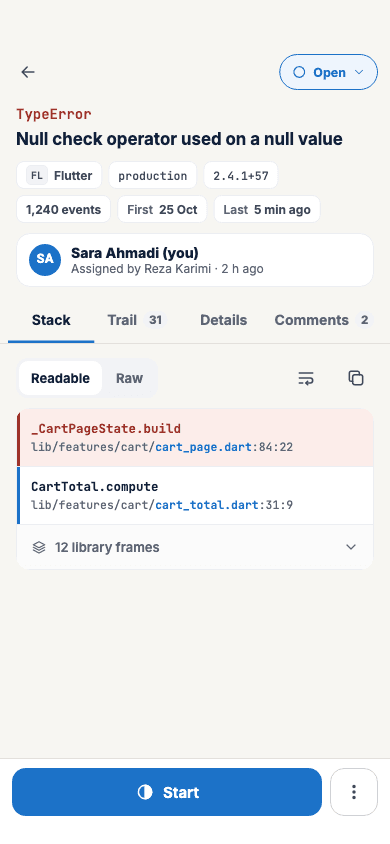
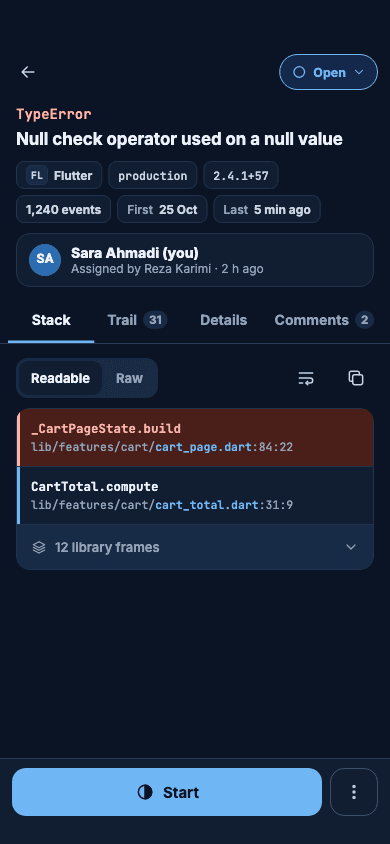
The screens below are the desktop app.
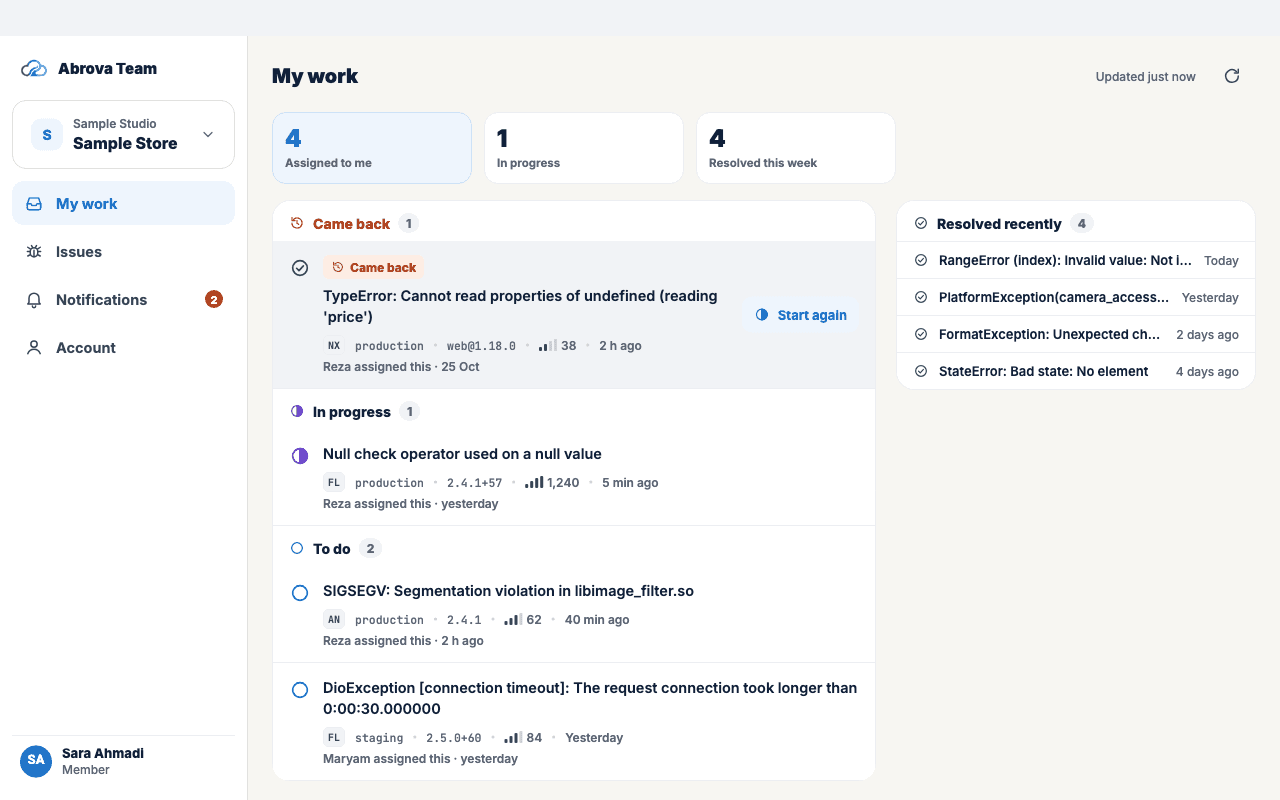
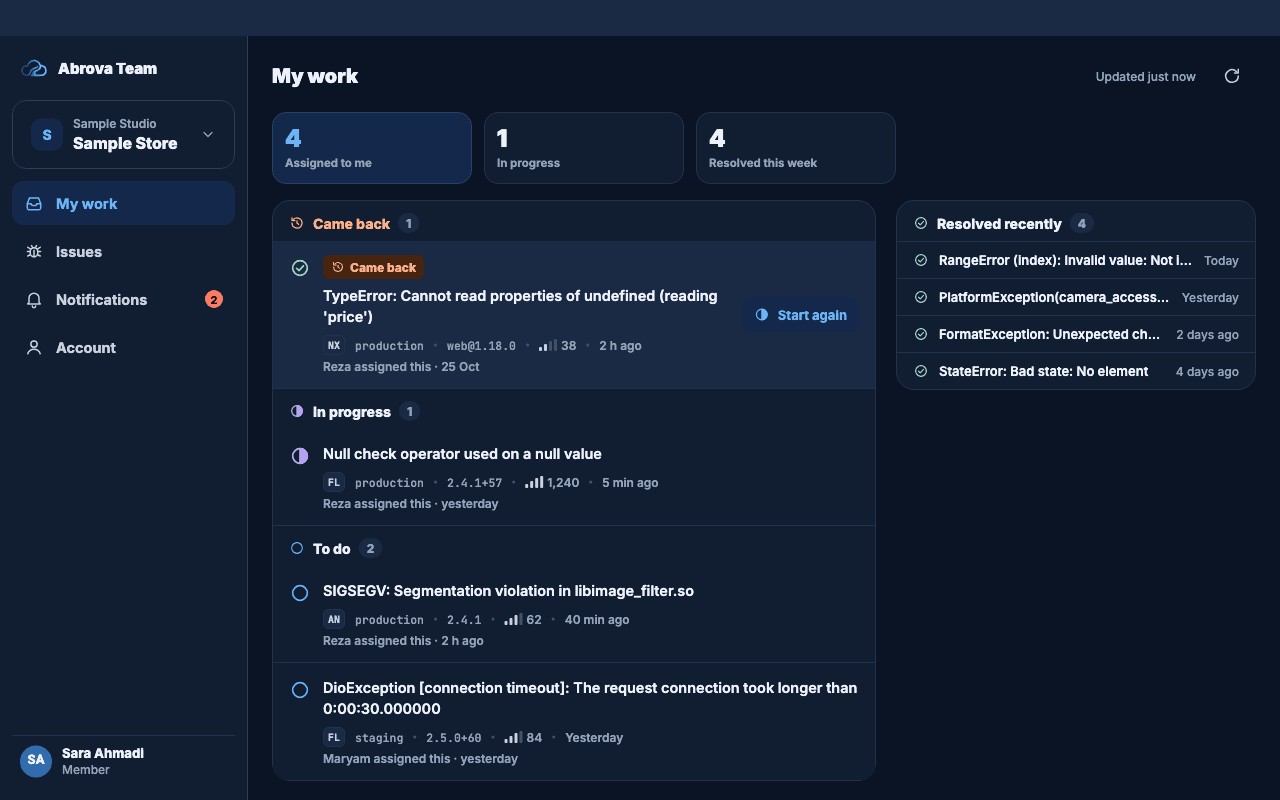
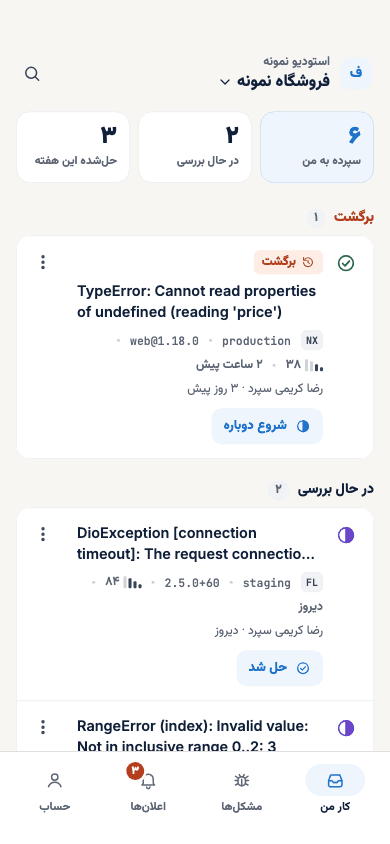
My work
Your home screen: the issues assigned to you, grouped by status.
- Assigned to me, In progress, Resolved this week
- Came back: a resolved issue that happened again
- Owners also see the whole team’s work
Issues
All issues of the current project, straight from Abrova Trace.
- Open, In progress, Resolved and Ignored
- Search, filter and sort
- Assign one or many issues to one member
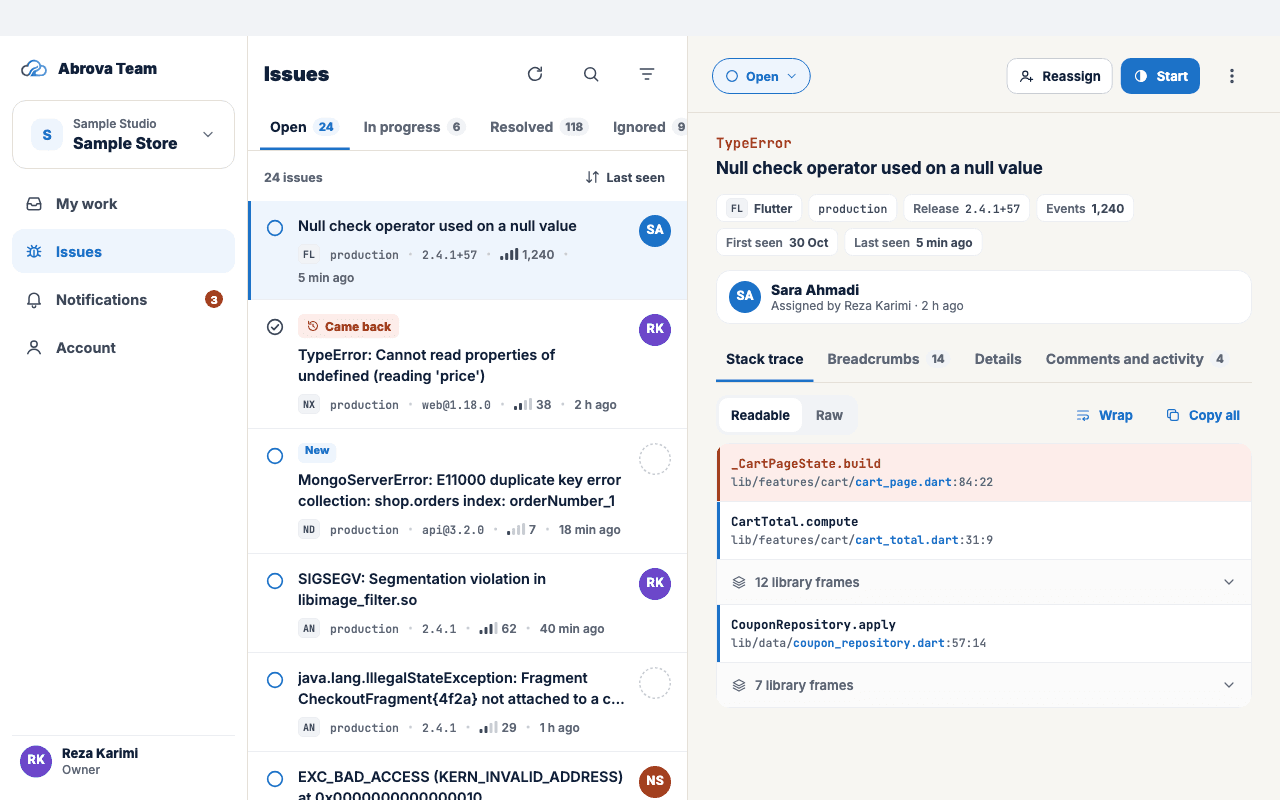
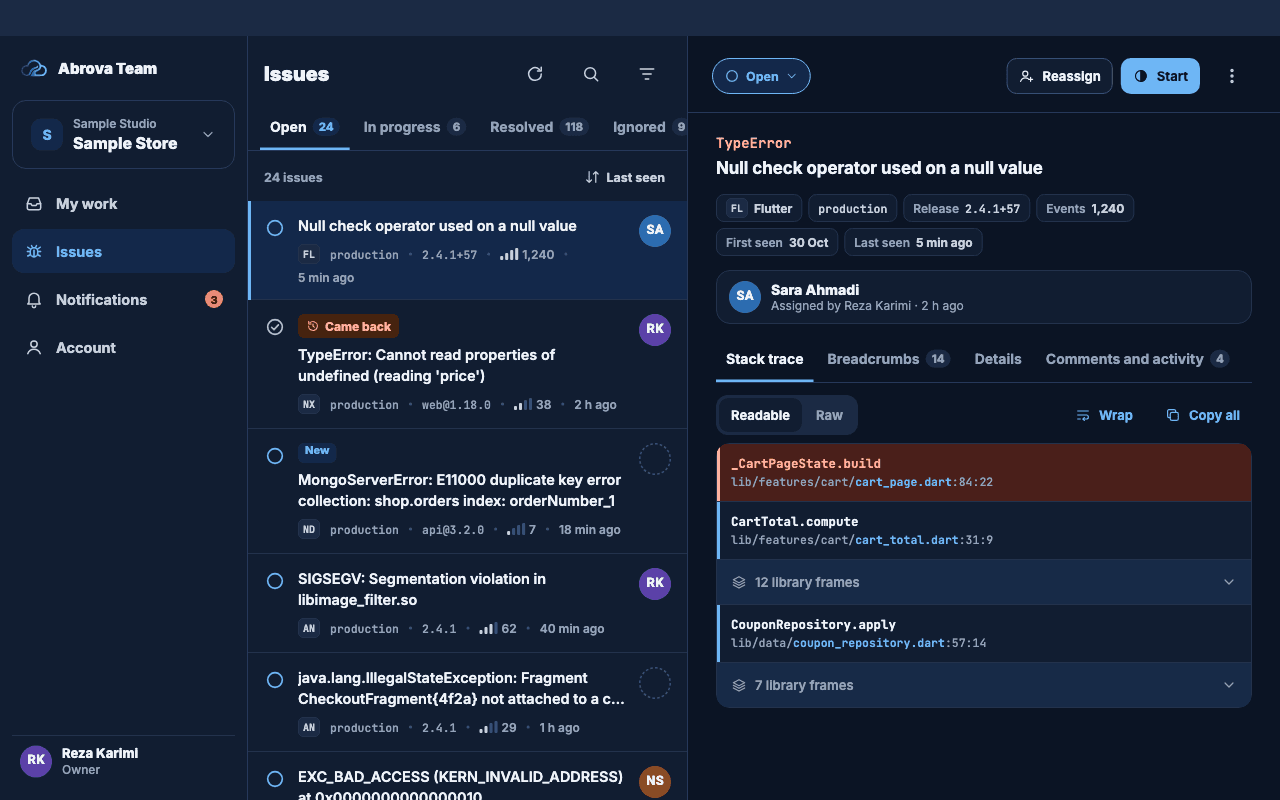
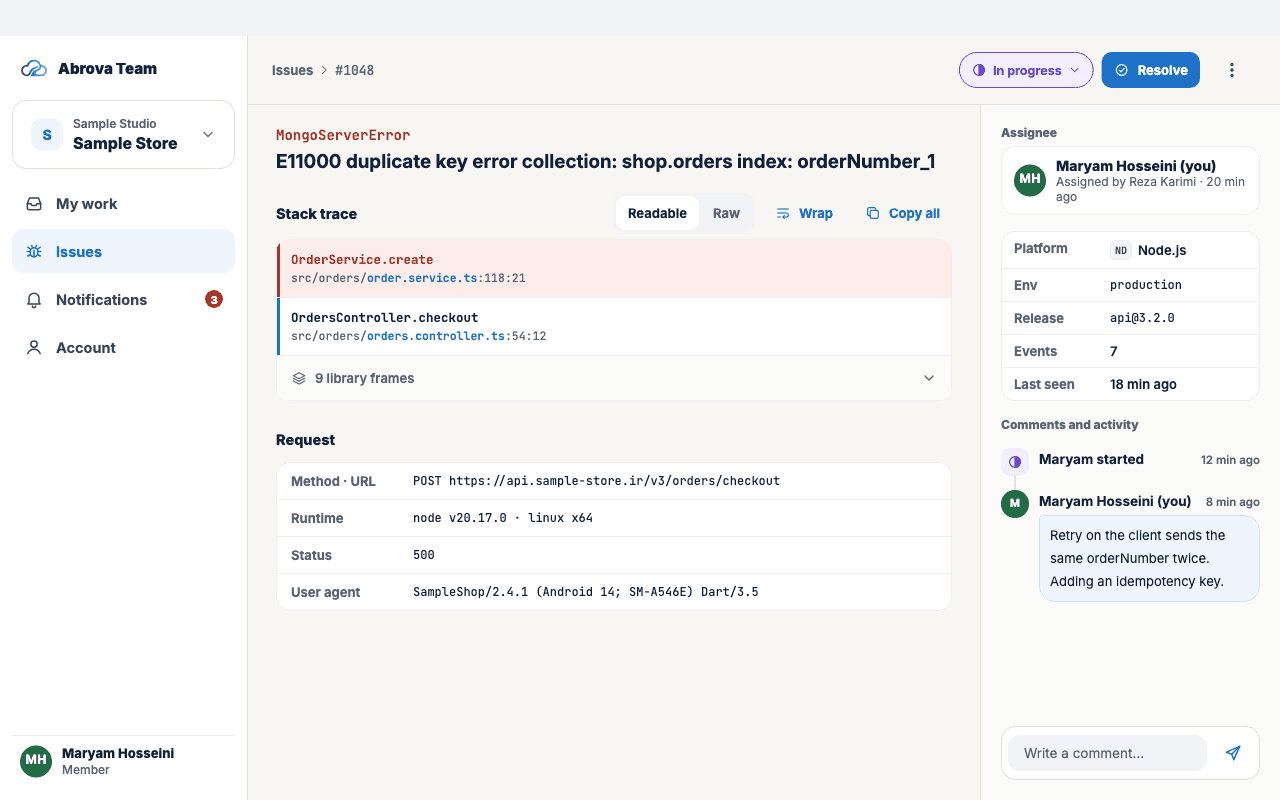
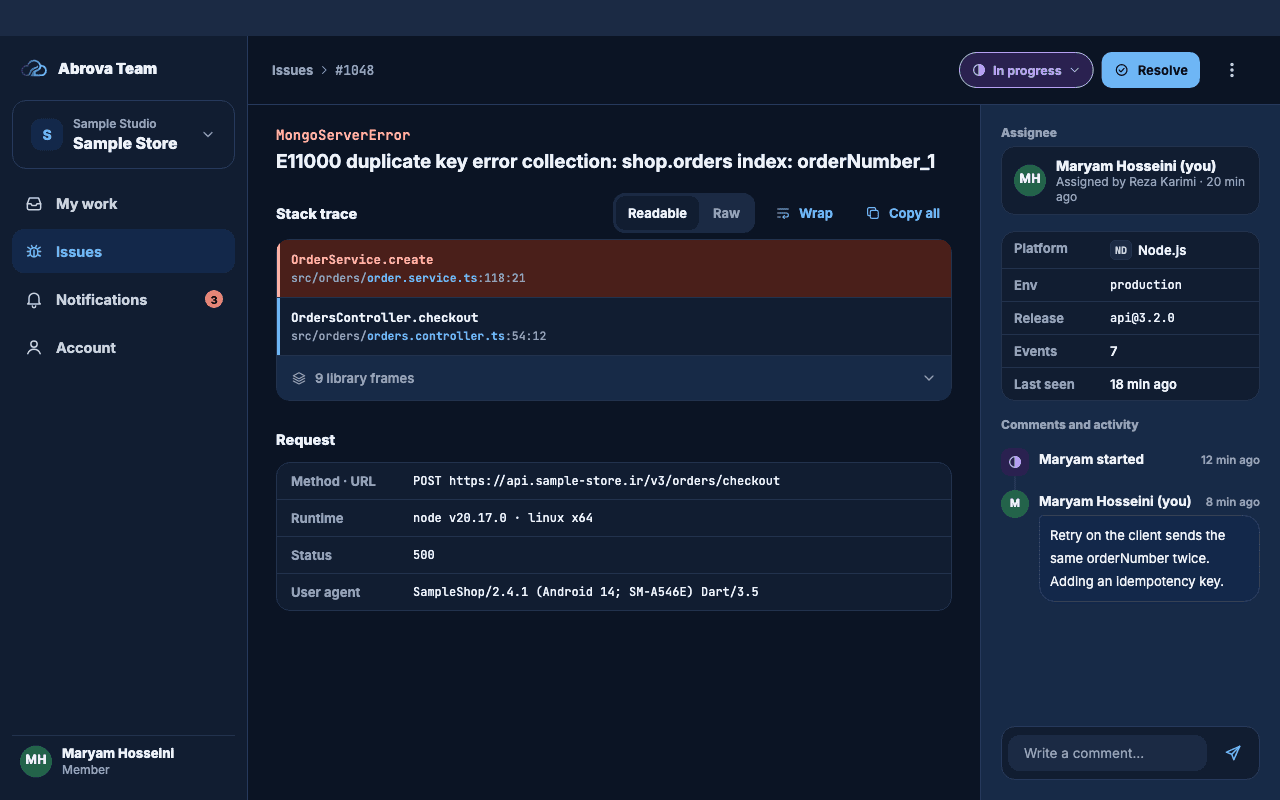
Issue detail
What Abrova Trace keeps for the error, with who is on it.
- Stack trace, readable and raw
- Breadcrumbs and request details
- Change status, comment, and see the activity
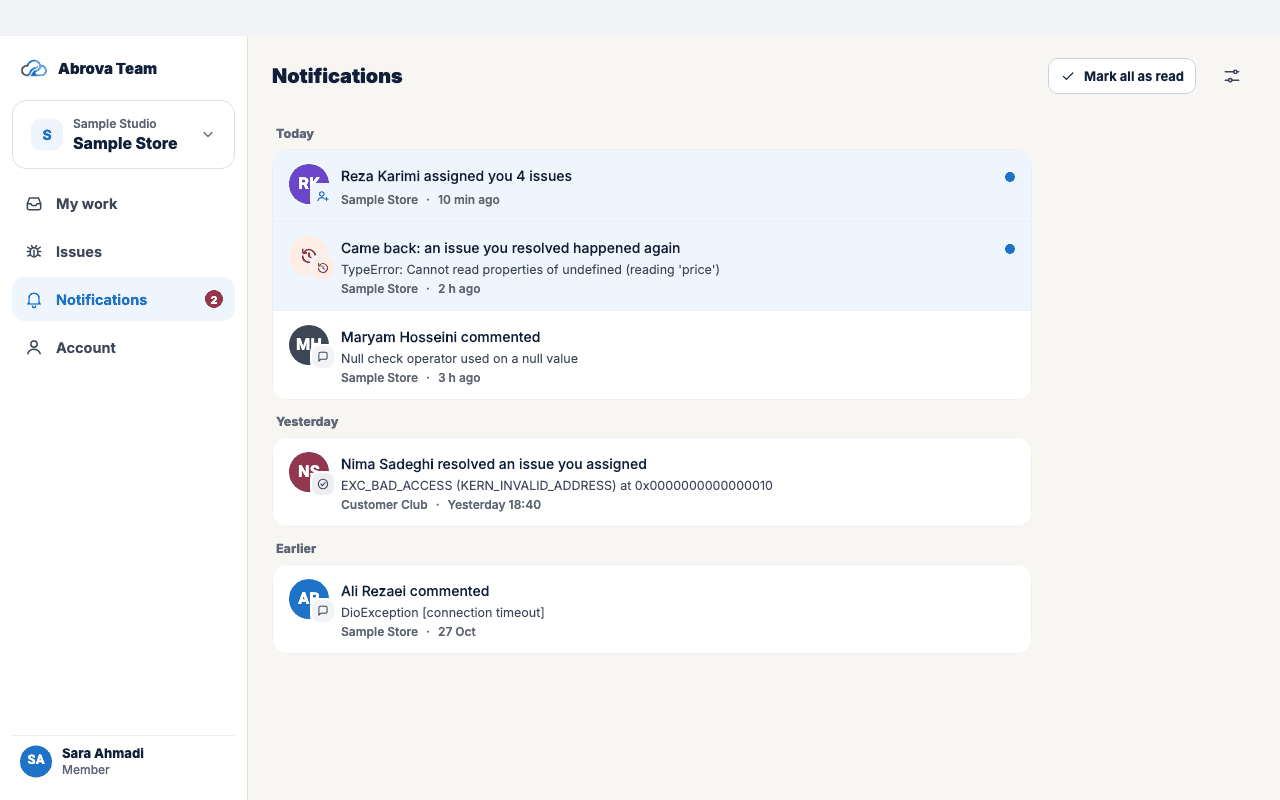
Notifications
Sent through Abrova Push. Turn each kind on or off.
- An issue is assigned to you
- An issue you assigned is resolved
- A resolved issue comes back
- A new comment on your issues
Farsi first, with English
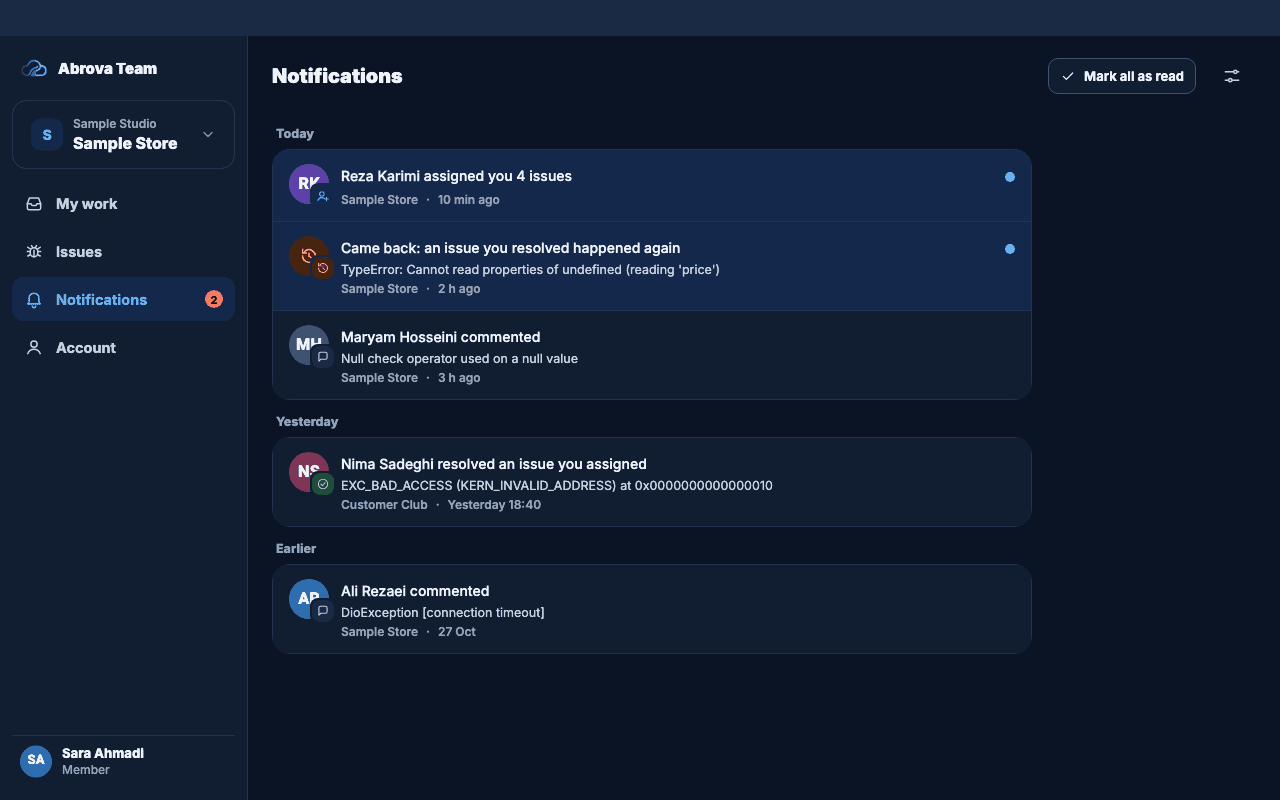
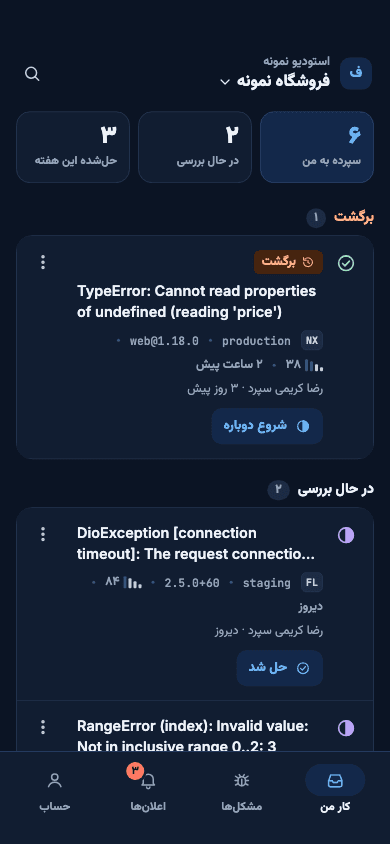
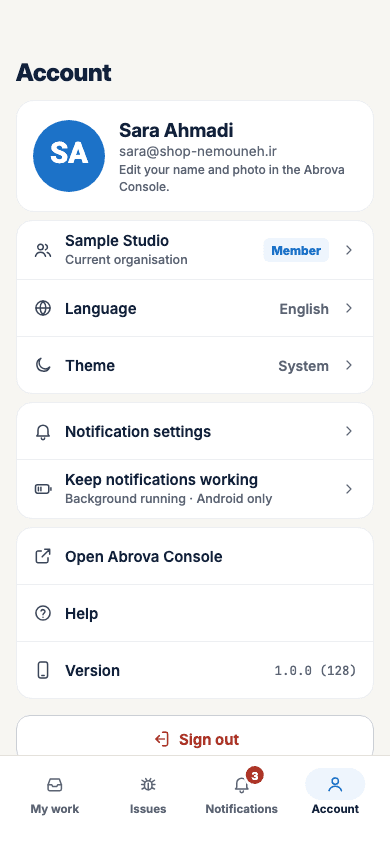
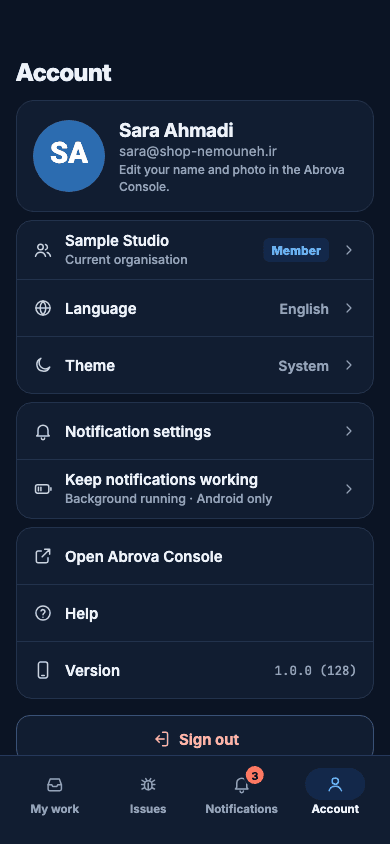
Farsi right to left, English left to right. Stack traces, file names and versions stay left to right in both. Light and dark.
Questions
How do I sign in?
With your Abrova Console email and password. There is no sign-up in the app.
How is it turned on?
Per project, in the Abrova Console, by an organisation owner or admin. It needs a funded wallet; when the wallet is empty it pauses and nothing is deleted.
Who can do what?
Owners and admins see every project, assign anyone and change any status. Members see their own projects, take an unassigned issue, change the status of issues assigned to them and comment. Viewers can only read and can’t be assigned.
What stays in the Console?
Sign-up, wallet top-up and payment, creating projects, inviting members and Abrova Trace settings.
Which devices does it run on?
Any up-to-date browser, at team.abrova.ir. On iPhone, open it in Safari and add it to your home screen to use it like an app. Apps for Android, Mac, Windows and Linux are coming soon, with the same features.
Which products does it show?
Abrova Trace issues.
Built on Abrova Trace
Abrova Trace collects your app’s errors, crashes and logs and groups them into issues. Abrova Team decides who fixes them.
About Abrova TraceTell me when the Android and desktop apps are ready